Reserve URL
Detail
Choose your username and create your MYDGID account. Your link becomes mydgid.com/yourname.
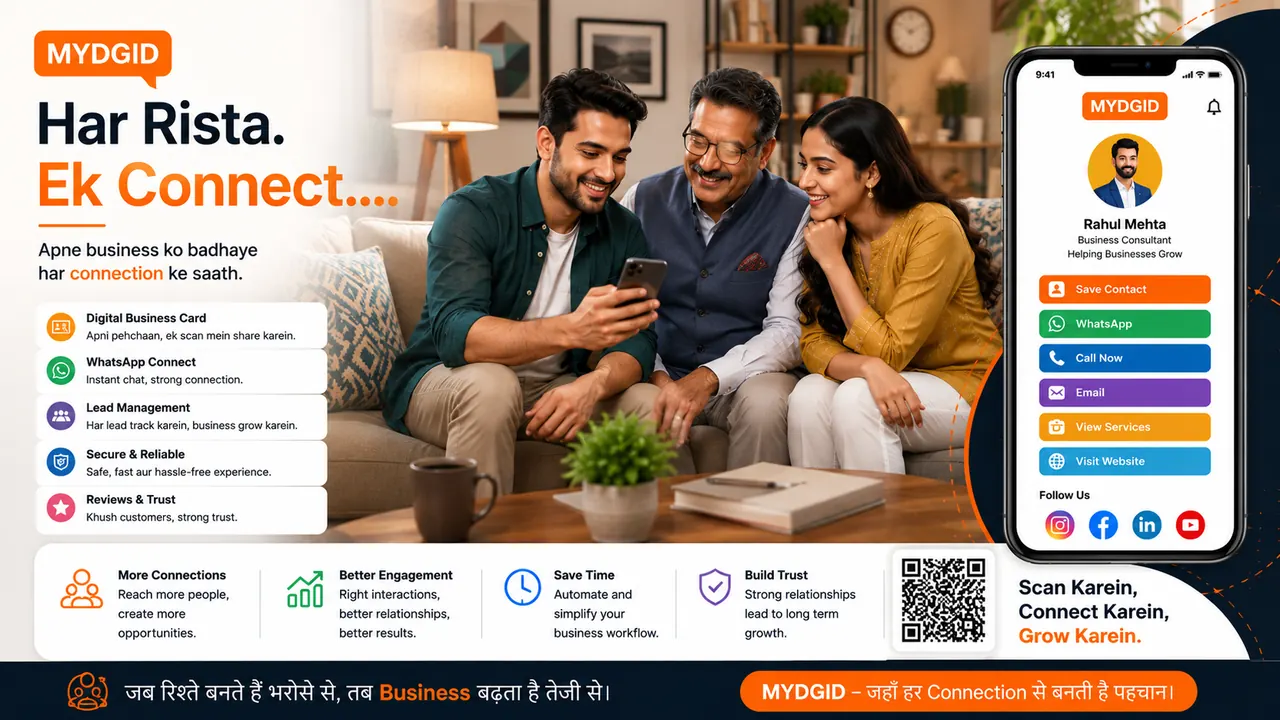
MYDGID begins as a clean digital identity profile and can expand into a business presence layer with QR sharing, portfolio, lead capture, landing pages, event pages and dashboard control.
Choose your username and create your MYDGID account. Your link becomes mydgid.com/yourname.
Add name, photo, profession, services, proof, portfolio, social links and contact actions.
Publish your public identity link when your profile is ready to share.
Share on WhatsApp, QR print, social bio, email signature, visiting cards and campaigns.
Move to premium profile, landing pages, event pages or larger limits when your business needs them.
Keep the first screen clean. Let customers expand details only when they want more information.
Your public MYDGID URL carries profile, contact, proof, QR and social actions.
Show work samples, credentials, services, testimonials and trust blocks in one place.
Guide visitors toward WhatsApp, call, form, booking, payment or enquiry actions.
Choose a clean profile look that matches your profession and brand personality.
Create focused pages for offers, services, campaigns and local promotions.
Publish invitations, workshops, launches and local event pages under the same identity.
No complex website setup is needed to start. Upgrade only when you need advanced profile, page or event features.