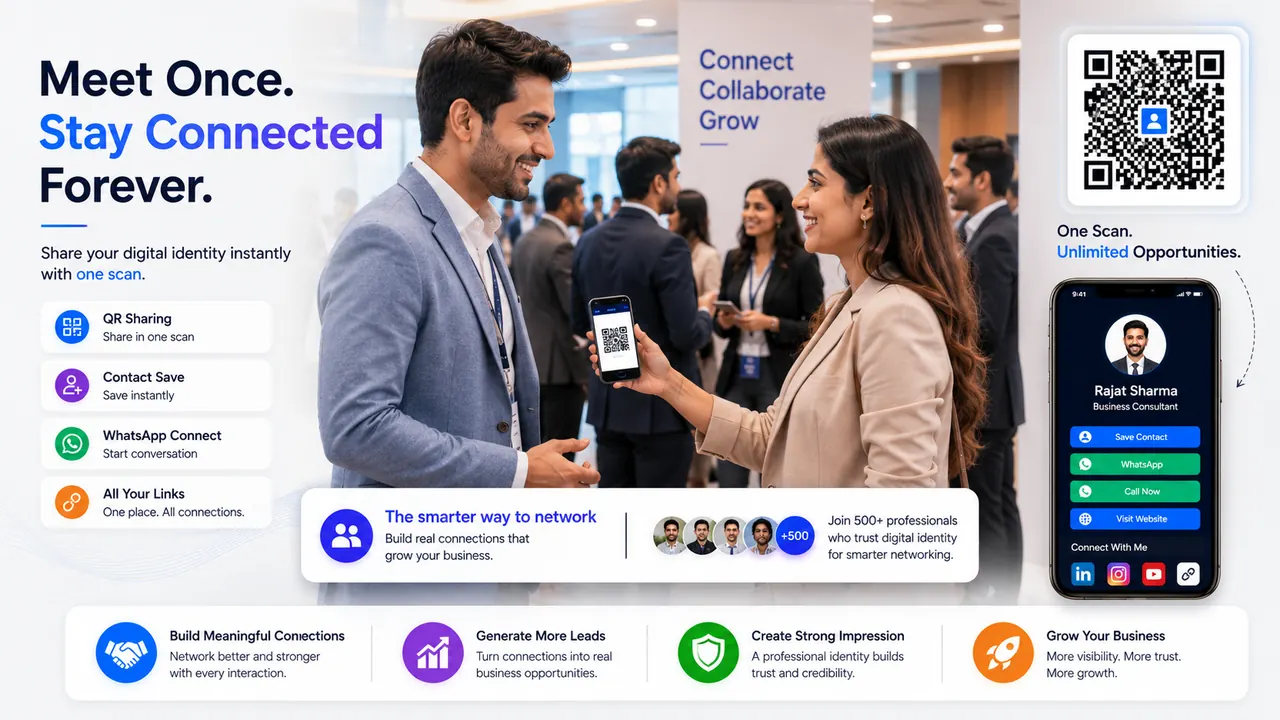
Offline placements
Place your QR code on counters, visiting cards, packaging, clinic desks, workshop banners, receipts, flyers and appointment slips.
Online placements
Use the same MYDGID link in social bios, WhatsApp status, email signatures, Google Business Profile posts and campaign messages.
What the QR should open
A QR code should open a page that feels ready: profile, contact buttons, portfolio, proof and the right action for the visitor.
A QR code only works where people are ready to scan
Where to Place Your QR Code for Better Local Business Discovery is not just a design question. It is a business presence question. Today many customers discover a professional from WhatsApp, a QR code, a social bio, a referral message or a local recommendation. In that moment, the visitor is not looking for decoration; they are trying to understand who you are, what you do, whether you look credible and what they should do next.
This guide is written for business owners and professionals who want offline visitors to discover them online. The goal is to help you connect a search term like digital card, digital visiting card, business card, digital identity or profile link with a practical setup that can actually support enquiries. MYDGID treats the public link as an identity base first, then lets the user add richer sections only when those sections support a real action.
QR placement searches are really about customer timing
When someone searches for QR code placement, digital card, digital business card or online visiting card, the surface keyword may look simple. The real intent is usually deeper: decide where a QR code should appear so people actually scan it. A user may want something that can be shared on WhatsApp, printed as a QR code, added to Instagram bio, placed on a visiting card, sent after a call or opened by a customer without downloading an app.
That is why the page behind the link matters. If the visitor lands on a weak page, the keyword brought traffic but not trust. If the visitor lands on a structured identity page with profile, proof, actions and clear next steps, the same traffic becomes more valuable. This is the difference between a link that exists and a link that works.
MYDGID gives every QR code a useful destination
MYDGID is built around one practical idea: every professional or business should have one clean identity link that can grow. At the basic level, that link can show the person or organisation clearly. As the need grows, the same identity can support portfolio blocks, lead capture, landing pages, event pages, analytics and QR-ready sharing. The user does not have to scatter their presence across too many tools from day one.
For clinics, shops, counters, packaging, flyers, invoices, event banners and visiting cards, this approach is useful because the same public identity can serve different situations. A customer may scan it from a counter card, open it from WhatsApp, click it from a social bio or receive it after a meeting. The page should feel consistent in every case.
What the scanner should see after opening the QR
The first screen should answer the visitor's basic questions without forcing them to scroll too much. A strong setup normally includes name, profession or category, city or service area, a clear photo or brand mark, and direct actions such as Call, WhatsApp, Email, Map, Website, Portfolio, Appointment, Payment or Lead Form depending on the use case. The exact buttons can change, but the intent should remain clear.
For this topic, the most useful trust elements are a scan-ready public profile, direct contact actions, map, service proof and mobile-first layout. These blocks should not feel randomly added. They should support a decision. If a visitor is comparing professionals, proof and reviews matter. If a visitor is ready to enquire, WhatsApp and call buttons matter. If a visitor scans a QR code offline, the landing screen must immediately confirm that they reached the right person or business.
Connect offline scanning with WhatsApp follow-up
WhatsApp and QR codes are not separate channels. They are two doors into the same identity. WhatsApp is conversational: someone sends a link, asks a question, follows up or shares a recommendation. QR is situational: someone is near a counter, flyer, clinic desk, event banner, product package or printed card. In both cases, the page should open fast and make the next step obvious.
A good MYDGID profile makes this easier because the same identity link can be used in both places. You can print one QR code and also send the same URL on WhatsApp. This reduces confusion and helps people remember one public identity instead of many scattered links. It also keeps future changes easier because the public destination can be updated without reprinting every explanation.
Context and proof make QR scans feel intentional
Trust is built from small details. Correct spelling, a real profile photo or brand image, consistent phone and email information, visible service details, proof of work, testimonials, business hours, clear pricing hints where appropriate and a professional layout all make the page feel safer. For regulated fields, the wording should stay careful and factual. For creative fields, the portfolio should load quickly and show relevant work. For local shops, map and product context should be easy to find.
The biggest mistake is printing a QR code without context, call-to-action or a destination page that explains the next step. A public link should not make people guess. If the visitor has to ask basic questions after opening the link, the profile is not doing enough work. The page should reduce doubt, not create more of it.
QR placement checklist for offline and online use
- Use one memorable MYDGID username that looks clean when typed or printed.
- Add a profile photo, logo or cover image that matches the profession or business.
- Keep the first action buttons limited to the actions customers actually use.
- Check that WhatsApp, call, email, map and website links open correctly.
- Add proof blocks such as reviews, portfolio, qualifications, service list or previous work.
- Use QR code placement where customers already look or wait.
- Keep the profile mobile-first because most shared links open on phones.
- Review the public page after every major edit before sharing it widely.
- Use landing pages or event pages only when a specific campaign needs focus.
- Keep the tone honest, professional and easy to understand.
How QR codes improve local business discovery
Local discovery is often messy. A person hears a name, receives a WhatsApp number, scans a QR code, checks a social profile or asks a friend for a link. A MYDGID identity can become the stable reference point in that journey. It gives the visitor one place to confirm the basics and take action. This is especially important for businesses that do not yet have a full website or for professionals who need a clean public profile faster than a website project can be completed.
Search engines also prefer pages that clearly answer a topic. A blog article can explain the problem, the profile page can show the identity, and internal links can connect the user to pricing, examples, help and registration. That connected structure is better than isolated pages that do not guide the visitor anywhere.
How to judge whether a QR placement is working
A professional identity page should be judged by practical signals, not only by how attractive it looks. After sharing your MYDGID link, watch whether people understand your work faster, whether fewer people ask for basic contact details, whether WhatsApp replies become shorter, and whether more enquiries arrive with context. If a visitor says they saw your services, checked your portfolio or scanned your QR code before contacting you, the identity page is doing real work.
You can also review simple conversion signals. Count how often you share the link in a week, where you place the QR code, how many people open the page from WhatsApp, which action button matters most, and what question customers still ask after opening the profile. These observations help you decide whether to add a portfolio section, a landing page, an event page, a payment action or a stronger proof block. A good digital identity should become easier to improve over time.
A print-and-test workflow before public placement
Before publishing widely, treat the page like a customer will see it for the first time. Open it on a mobile phone, check the profile image, read the first screen aloud, tap every action button and scan the QR code from another device. If the page is for clinics, shops, counters, packaging, flyers, invoices, event banners and visiting cards, ask whether the visible information helps that visitor decide the next action without needing a long explanation.
After the first version is ready, share it in a small circle before putting it on printed material. Send it to a colleague, an existing customer or a family member and ask what they understood in ten seconds. If they cannot tell who the page belongs to, what is offered or how to contact you, improve the first screen. Once it is clear, use the same MYDGID URL consistently in WhatsApp, social bios, visiting cards, counters, proposals and local promotion material.
QR code mistakes that stop people from scanning
Do not overload the profile with every possible button if the visitor only needs three important actions. Do not use unclear images, fake-looking claims or outdated contact details. Do not publish a QR code before scanning it from a real phone. Do not send a long WhatsApp message when one clean sentence and a profile link can do the job. Do not copy a competitor's page structure blindly; build around the action your visitor should take.
Another mistake is treating the free or starter identity as the final destination for every use case. Some users only need a clean identity link. Others will need premium profile sections, landing pages, event pages or business tools. The correct path is to start simple, check what customers actually ask for, then upgrade only where the extra section creates value.
MYDGID pages to plan QR-ready profiles
A useful blog should guide the visitor toward the next practical step. For this topic, these MYDGID pages are the most relevant:
- QR-ready Features - Understand where QR sharing fits in MYDGID.
- QR Profile Examples - See sample profiles that work after scanning.
- QR Launch Checklist - Check the destination before printing.
- Create Your Identity - Create the URL your QR code should open.
These links are intentionally topic-specific. They help the reader move from learning to action without every article pointing to the exact same pages.
QR code placement questions
Where should I place my MYDGID QR code?
Place it where customers already pause or decide: counters, visiting cards, posters, appointment slips, bills, packages, banners and social graphics.
What should the QR code open?
It should open a mobile-first public identity page with clear contact actions, proof and the next useful step.
Should one QR code be used everywhere?
Usually yes. One stable MYDGID identity link keeps printed and digital sharing consistent while letting you update the destination content.
Is this guide useful before creating a MYDGID profile?
Yes. Use it to decide what your profile should show first, which proof blocks matter, and which action buttons should appear before public sharing.
How does this topic connect with WhatsApp and QR sharing?
MYDGID gives one stable identity link that can be shared in WhatsApp and opened through QR codes, so visitors see the same trusted profile from every channel.
Who should read this guide?
This guide is written for clinics, shops, counters, packaging, flyers, invoices, event banners and visiting cards who want a cleaner public identity, better customer trust and a practical path from discovery to enquiry.
When should I upgrade beyond the starter identity?
Upgrade when portfolio sections, lead capture, landing pages, event pages, analytics or premium presentation will support real enquiries or campaigns.
Which MYDGID pages should I read next?
Continue with the linked pricing, examples, profession pages and related blog guides so the learning path moves from QR code placement to action.
Put the QR where attention already exists
Do not think of QR code placement as a one-time design asset. Think of it as a public trust surface. The visitor should quickly understand the identity, believe the information, and know what action to take. That is why a MYDGID profile works best when it combines clean presentation with practical actions.
Start with the essentials. Add proof where it improves confidence. Add QR sharing where offline discovery matters. Add landing pages or event pages when a focused campaign needs its own space. Keep everything connected under one identity so people remember you, find you again and contact you without friction.